

Getting Started with Manuals
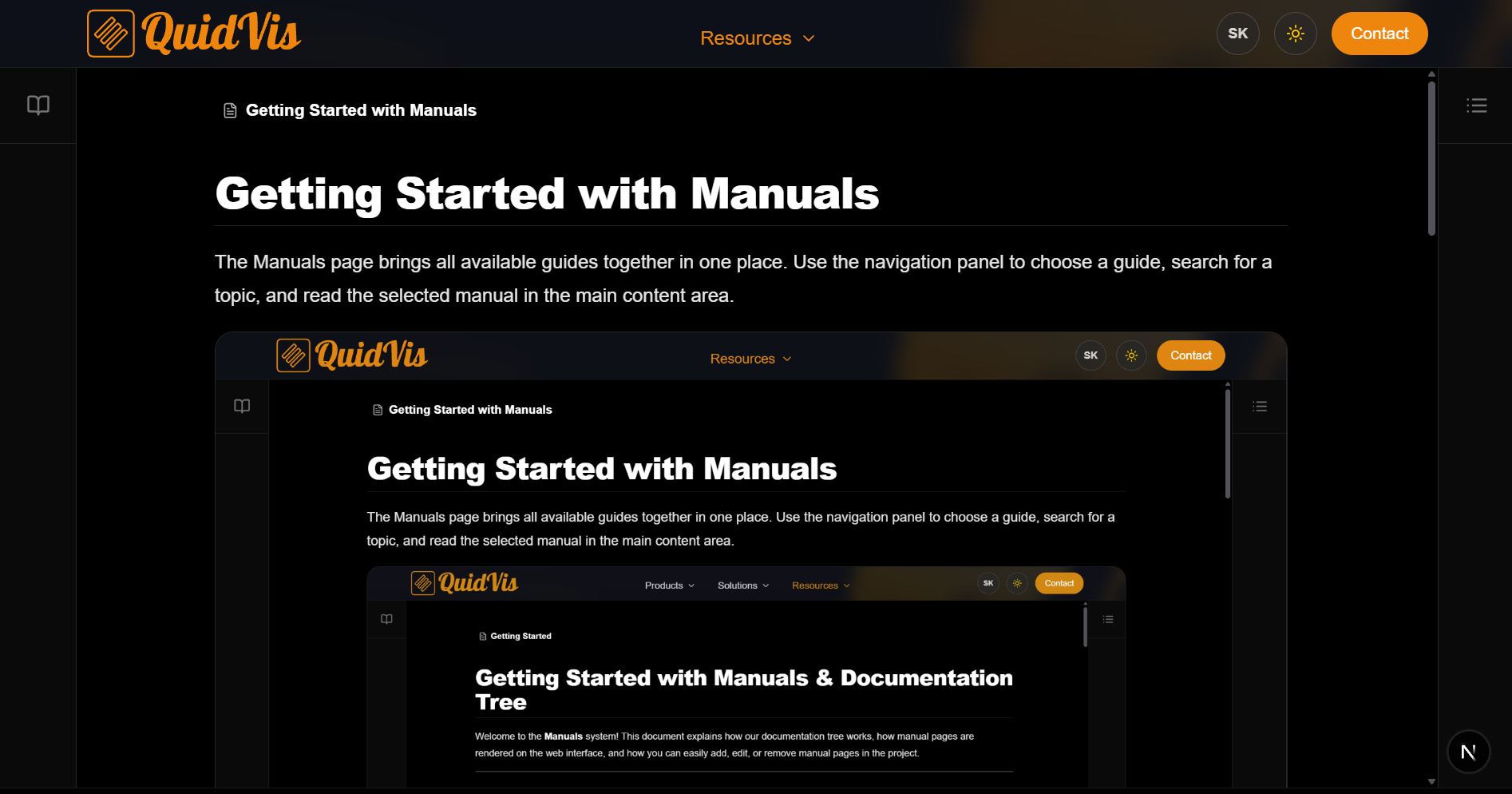
The Manuals page brings all available guides together in one place. Use the navigation panel to choose a guide, search for a topic, and read the selected manual in the main content area.
Page layout
The Manuals page has three main areas:
- Navigation panel on the left: Browse folders and manuals.
- Main content area in the centre: Read the selected manual.
- Table of contents on the right: Jump between sections of the selected manual.
On smaller screens, the navigation and table of contents are available through the buttons in the top-right corner.
Choosing a manual
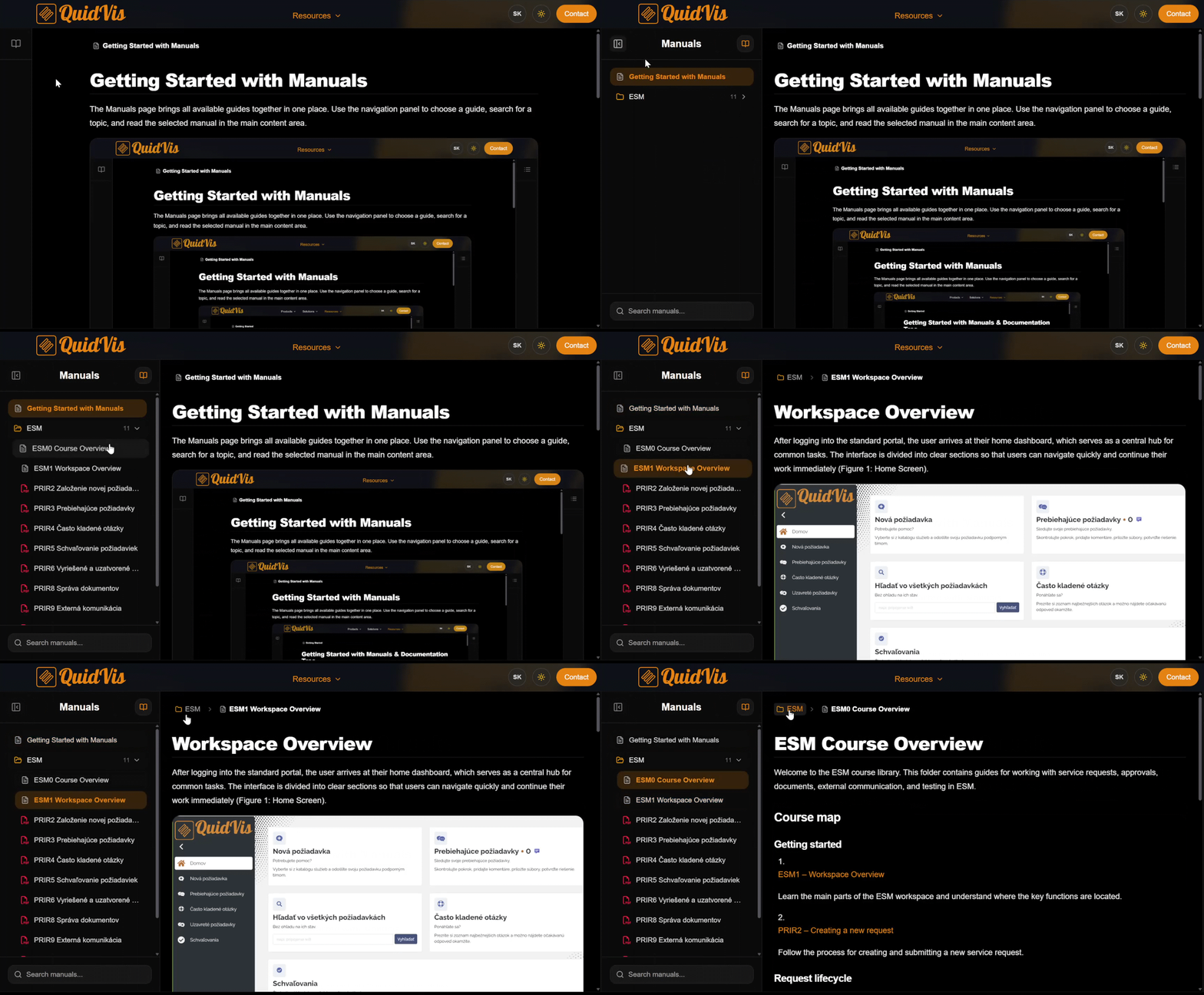
Open the navigation panel by clicking the book button. Select a manual from the list to open it.
Folders can be expanded and collapsed. Clicking a folder also opens its first available manual.
Searching manuals
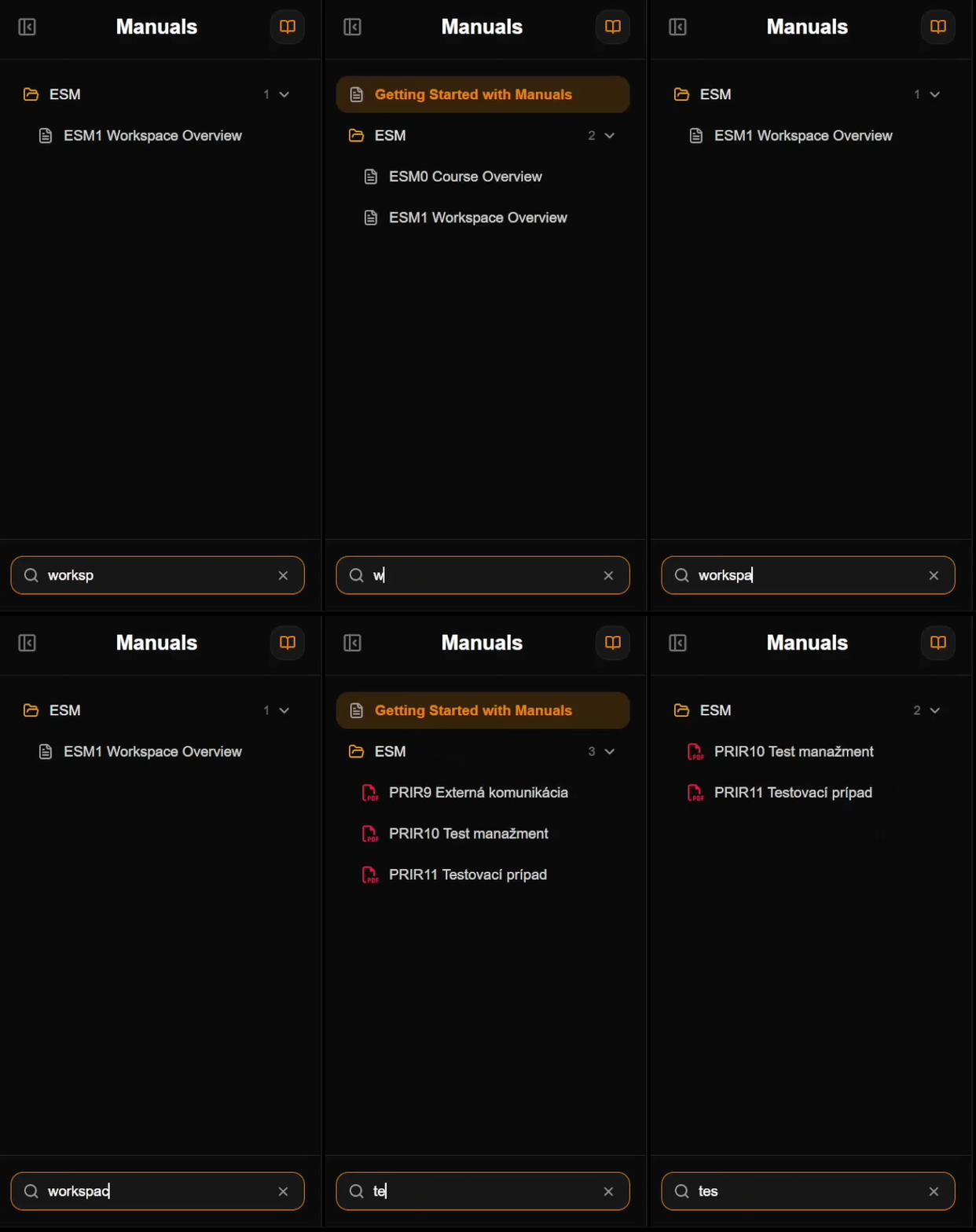
Open the navigation panel and enter a word or phrase in the search field. The list is filtered as you type, and matching folders open automatically.
To clear the search, click the X button in the search field.
Reading a manual
The selected manual is displayed in the main content area. You can read text, view images, follow links, and use the formatted headings and lists provided by the guide.
The path above the manual shows where the current guide is located. Click a folder or an earlier item in the path to navigate back.
Using the table of contents
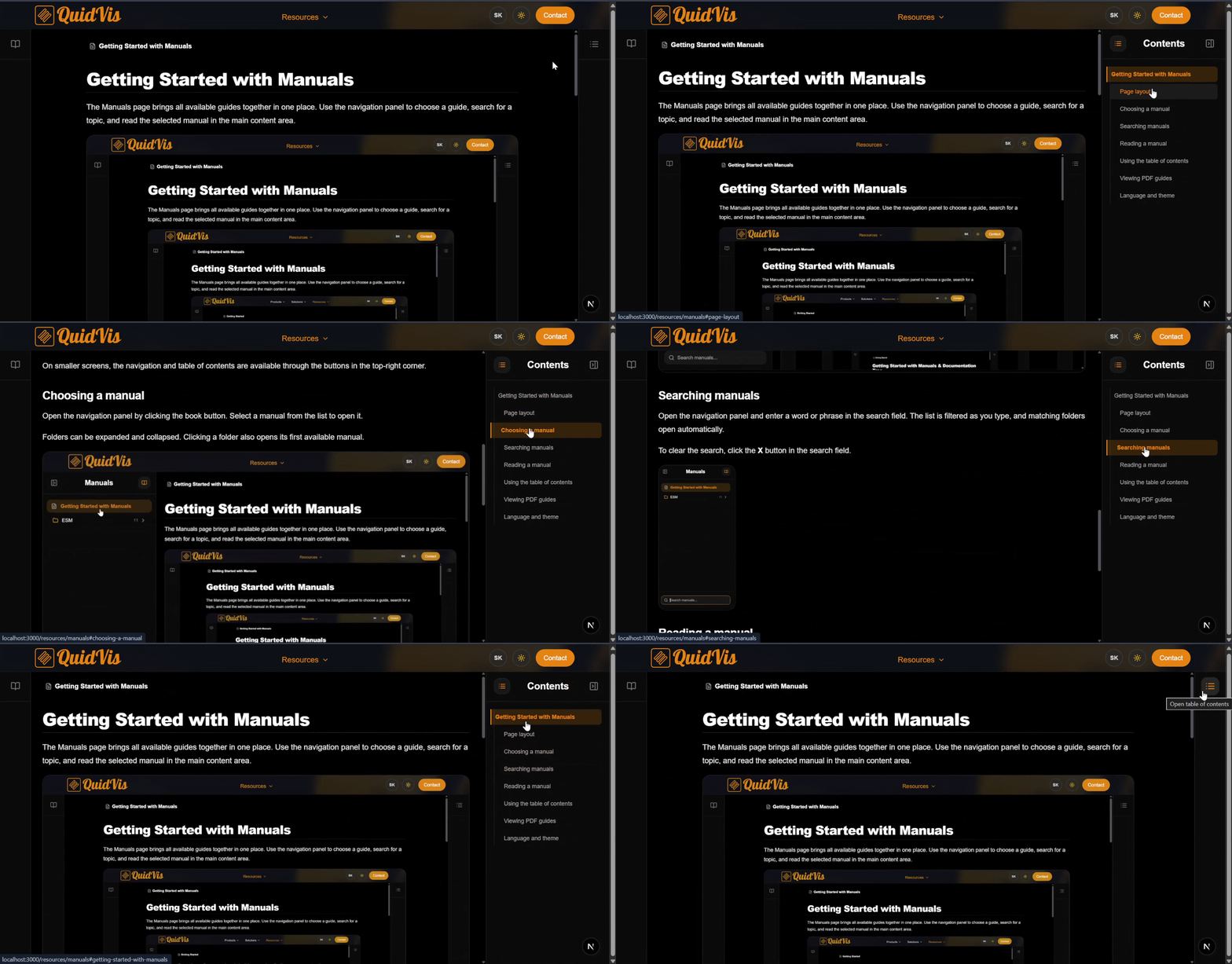
The table of contents lists the headings in the selected manual. Click a heading to jump directly to that section.
Viewing PDF guides
PDF guides are marked with a PDF icon in the navigation panel. Select a PDF guide to open it in the built-in viewer. You can use the PDF controls to navigate through the document or open it separately.
Language and theme
Use the language button in the website header to switch between English and Slovak. Available localized manuals change automatically with the selected language.
Use the theme button to switch between light and dark mode.